 Free
FreeEmber Dune
Warm sculpted dunes with a restrained ember glow.

Codex themes for the desktop app
Browse curated Codex themes and skins, then give your Codex workspace a new look on macOS or Windows with the free Codex Skin Plugin.
Free themes available · macOS + Windows
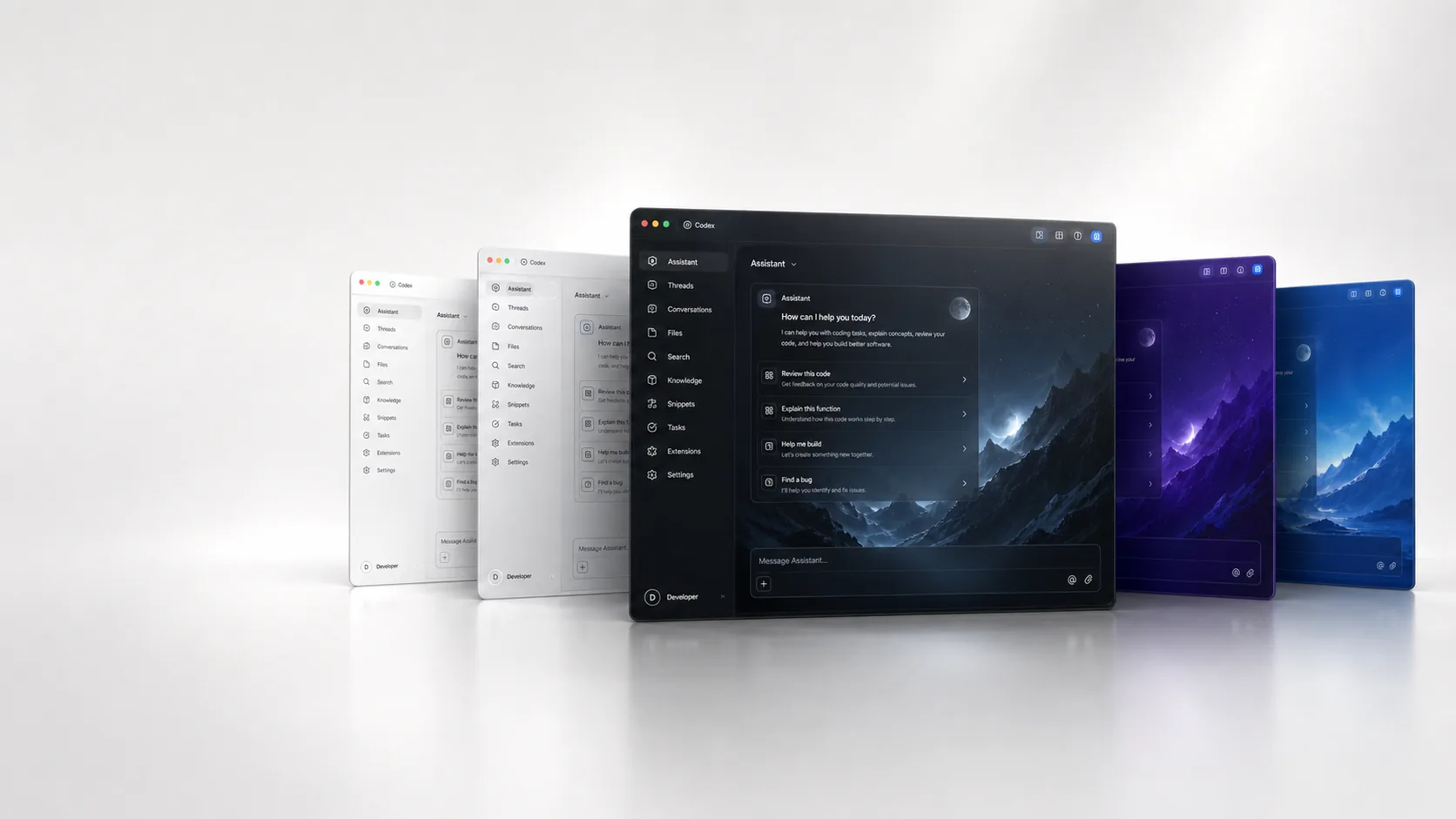
Codex theme gallery
Free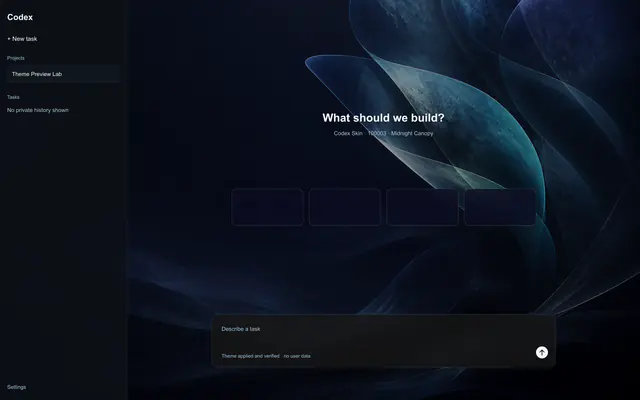 Free
Free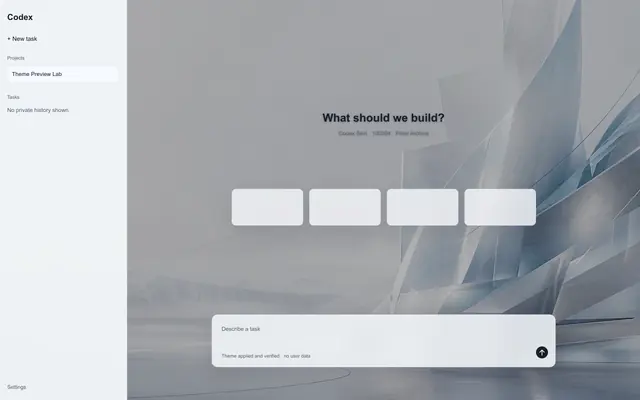 Free
Free Free
Free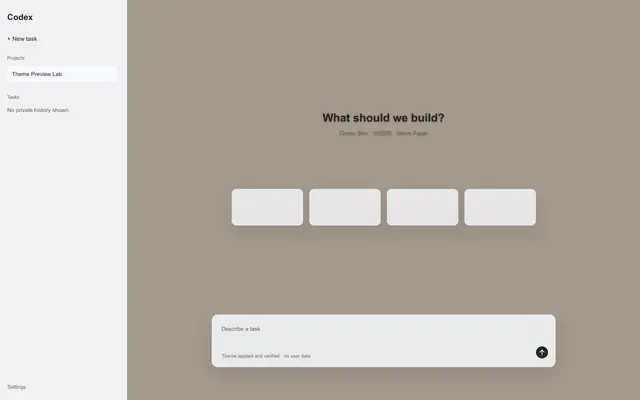 Free
Free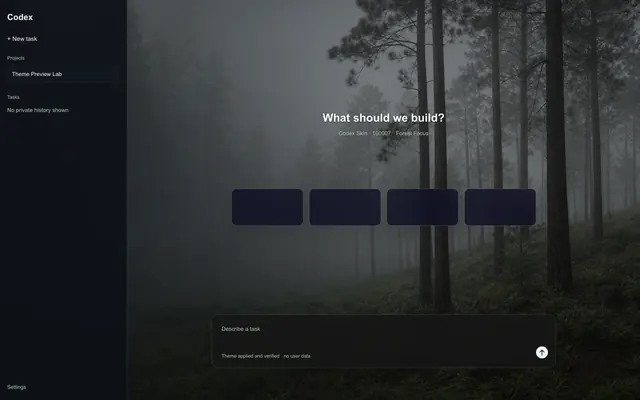 Free
Free Pro
Pro Pro
Pro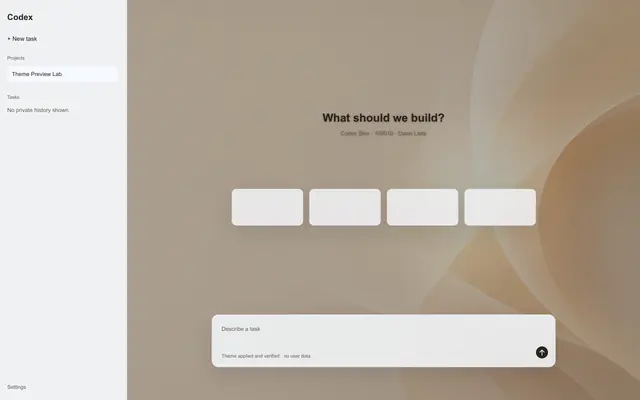 Pro
ProSwipe to browse themes
Personalize your Codex workspace
Codex Skin turns Codex desktop themes into a clear, reversible workflow: discover a look, apply it through the Plugin, switch when you want, and restore the official appearance whenever you need.
Compare curated themes, open a dedicated detail view, and see whether each option is Free or Pro.
Copy the stable six-digit theme ID, then continue in Codex through the free Plugin.
Themes are data-only, compatibility is checked before a new apply, and offline Restore remains available.
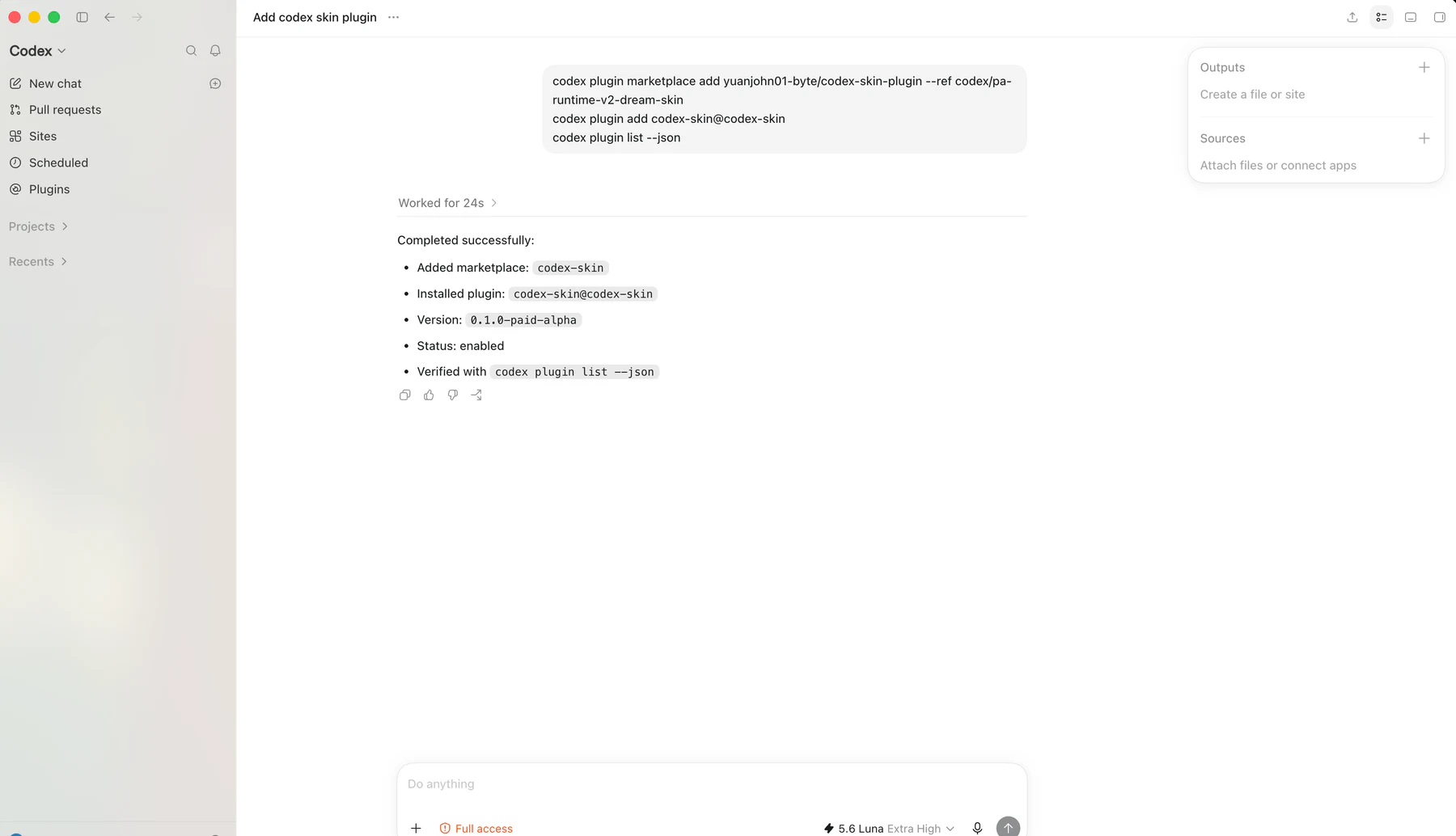 Plugin workflow image 1 of 3
Codex Skin Plugin
Use the free, open-source Codex Skin Plugin to bring a theme from this gallery into your Codex workspace. Install the Plugin, copy a six-digit theme ID, then authorize the device and apply.
codex plugin marketplace add yuanjohn01-byte/codex-skin-plugin --ref main
codex plugin add codex-skin@codex-skin
codex plugin list --jsonUse the verified Marketplace commands in Codex.
Copy its stable six-digit public theme ID.
Authorize the device when asked, then return to the same Codex task.
Safe Codex customization
Return to the official interface without login, access, network, or Plugin cache.
One product path with platform-specific verification.
Signed structured data and images—no arbitrary theme code.
A failed apply keeps the previous theme or restores the official interface.
Free and Pro Codex themes
Regularly US$19.90 a year. Launch Sale: US$9 a year before applicable taxes, billed yearly until canceled.
Free
Browse, install, and apply the Free Codex theme library.
Pro
55% OFFUnlock the full Pro Codex theme library, new releases, compatible updates, and theme switching throughout your active year.
Save US$10.90 compared to the regular price.
Offline Codex theme restore
Remove the current Codex Skin theme and return your Codex workspace to its official appearance without website login, active Pro access, the Plugin cache, or a network connection.
Read Restore guide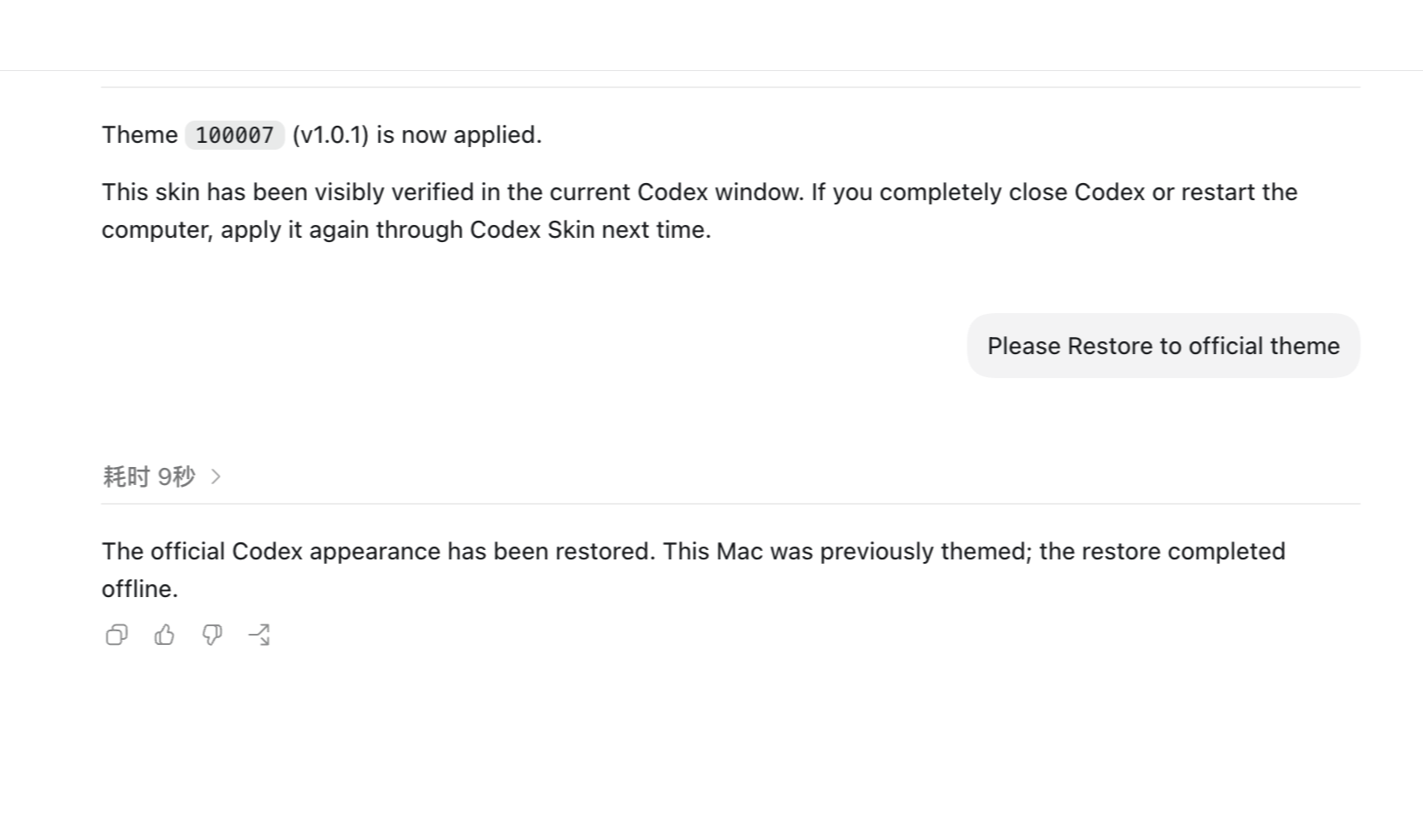
Codex theme FAQ
Yes. Browse themes on the Codex Skin website, then apply one from inside Codex through the free Plugin. The Plugin verifies the app and device before applying.
No. It does not replace the official application package or modify signed system files.
New Pro downloads, updates, switching, and reapplication stop. The appearance currently active on your computer is not remotely removed, and Restore remains available.
Use the offline Restore path to return to the official Codex appearance. It remains available outside the Plugin cache.
Your account returns to Free. New Pro downloads, updates, switching, and reapplication stop. The current appearance is not remotely removed; if you Restore, applying a Pro theme again requires active Pro access.
Codex Skin supports Codex in the ChatGPT desktop app on macOS and Windows, with platform-specific checks before a theme is applied.
Explore Codex themes
Start with a Free theme. Each one has a stable six-digit ID for the Codex Skin Plugin.